One-line description
VisionDesk brings up to five real Mac displays into Apple Vision Pro as a private, precisely configurable spatial workspace.
Product story
VisionDesk is made for people who want the working space of a multi-monitor desk without adding physical monitors. The free Mac Host creates and captures real macOS displays; VisionDesk renders them around the wearer in flat, curved, or mixed layouts. Users can set distance, physical size, rotation, tilt, curve, and saved workspaces while focus-aware streaming prioritizes the active display.
What makes it different
- One complete display is free; Pro expands to two through five.
- Real macOS virtual displays, not a static remote-desktop canvas.
- Local encrypted pairing, no VisionDesk account, no cloud workspace, and no analytics.
- Mac audio, pointer, keyboard support, and visual controls designed for responsive desktop work.
Copy-ready descriptions
Short (for quick mentions)
VisionDesk turns Apple Vision Pro into a private multi-display Mac workspace — one display free, up to five with Pro.
Medium (for brief coverage)
VisionDesk brings real Mac displays into Apple Vision Pro as a spatial workspace. The free Mac Host creates and streams genuine macOS virtual displays — not a static remote-desktop canvas — so the cursor flows between screens and apps behave as if real monitors were attached. One complete display is free; VisionDesk Pro adds two to five displays, saved workspaces, and Custom Photo environments. Everything streams encrypted over the local network with no account, no cloud, and no analytics.
Long (for feature articles)
VisionDesk is a spatial multi-screen Mac workspace for Apple Vision Pro, built by an independent developer. Its free Mac companion provisions real macOS virtual displays, captures them with ScreenCaptureKit, and streams them with hardware HEVC encoding over the local network to the headset, where they appear as draggable, tiltable, curvable planes arranged in flat, curved, or mixed layouts.
Because the displays are real to macOS, windows, Spaces, and the cursor behave exactly as on physical monitors. Focus-aware streaming spends bandwidth on the display the wearer is working on, keeping text crisp without exhausting the encoder budget, and Mac audio, pointer, and keyboard input round out a complete desk replacement.
VisionDesk includes one complete display for free — full resolution, audio, and input included. VisionDesk Pro ($7.99/month or $59.99/year with a 14-day free trial and Family Sharing) expands the workspace to five displays, adds saved workspaces, Precision Layout, and Custom Photo environments. VisionDesk has no account system, no cloud workspace, and no analytics: the stream never leaves the local network.
Fact sheet
| App name | VisionDesk |
|---|
| Developer | Usama Guenedi — independent developer |
|---|
| Launch | Version 1.0, August 2026 — available now |
|---|
| Price | Free (one complete display) · VisionDesk Pro $7.99/month or $59.99/year, 14-day free trial, Family Sharing · Mac Host free |
|---|
| Platforms | Apple Vision Pro (visionOS 26.5+, App Store) · Apple silicon Mac (macOS 26.5+, notarized direct download) |
|---|
| Networking | Local network only — TCP 47823 (control), UDP 47824 (video); no internet servers |
|---|
| Privacy | No account, no cloud workspace, no analytics; encrypted local pairing (TLS/DTLS) |
|---|
| App Store | apps.apple.com/app/id6792746717 |
|---|
| Website | VisionDesk home · Setup · FAQ |
|---|
| Press contact | usamag.ug@gmail.com |
|---|
Download the press kit (ZIP)
Product visuals
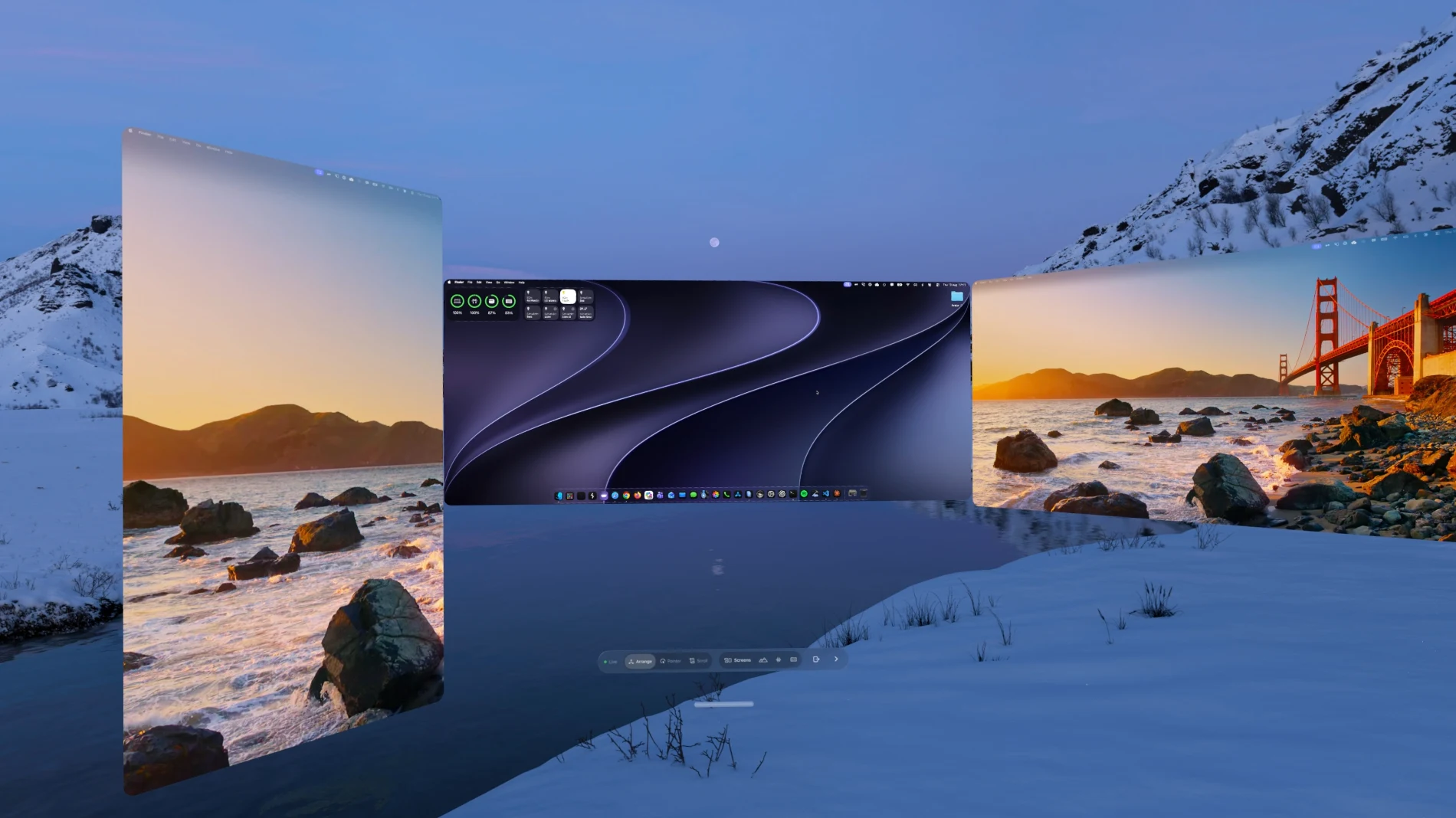
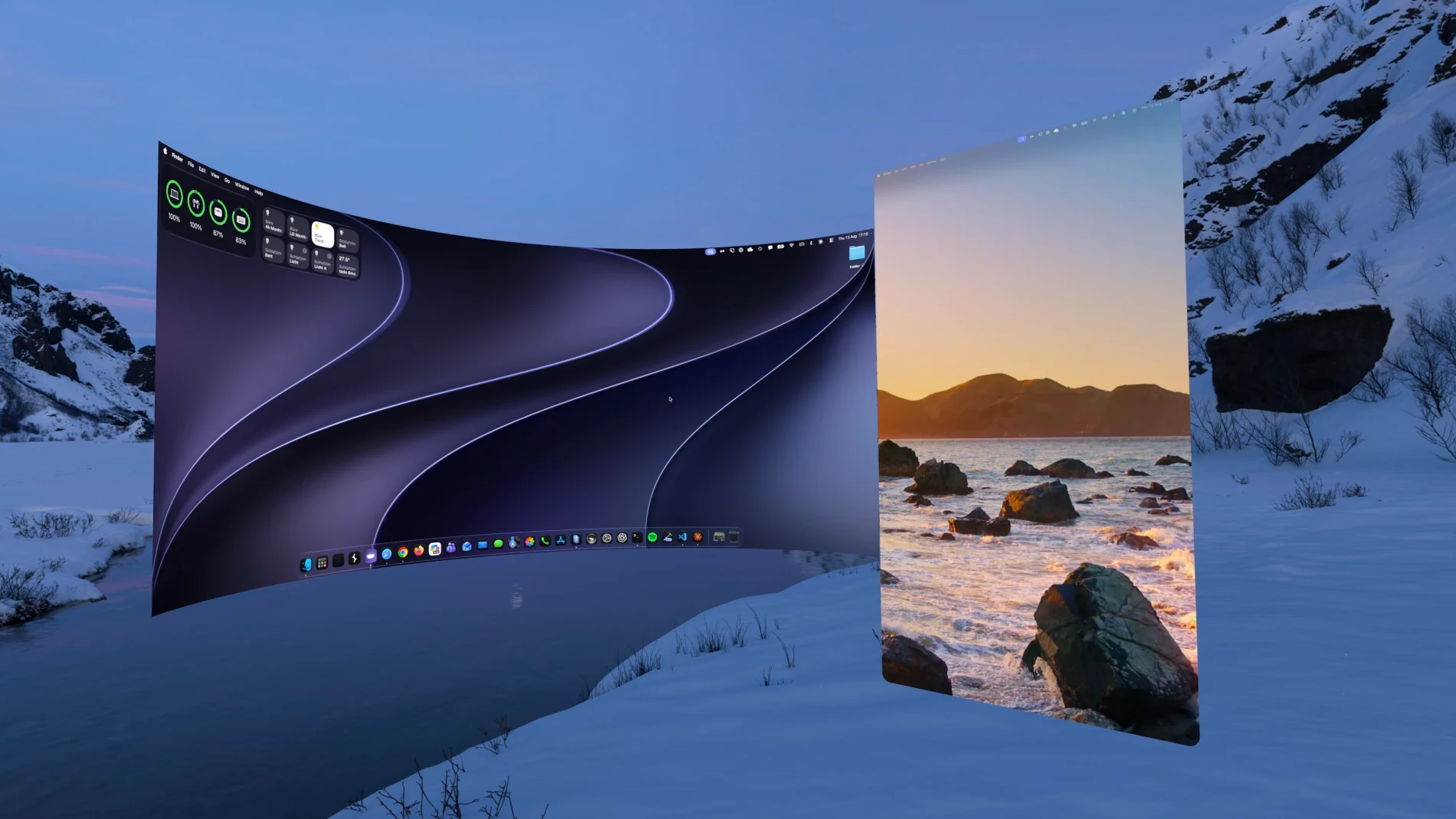
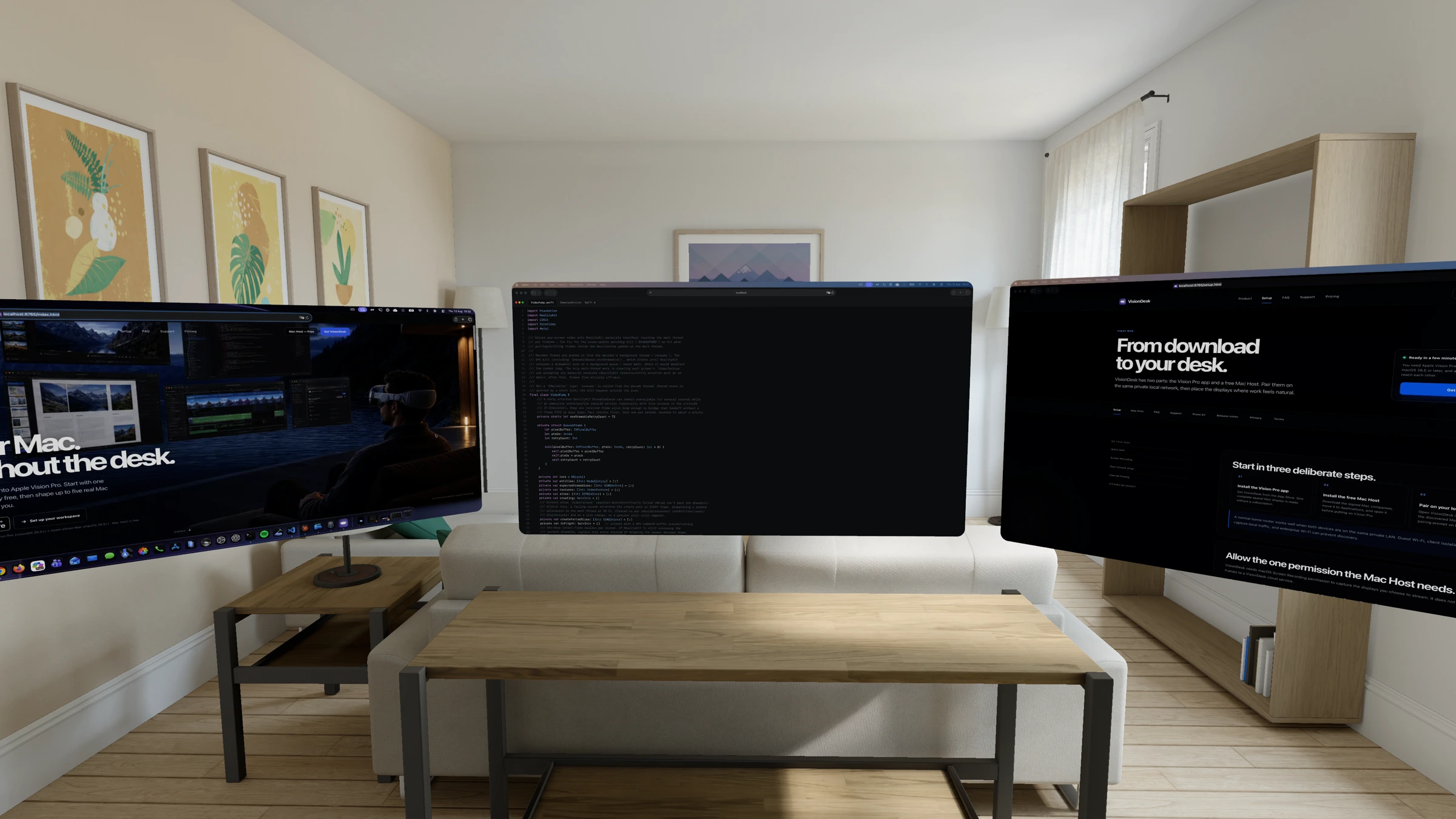
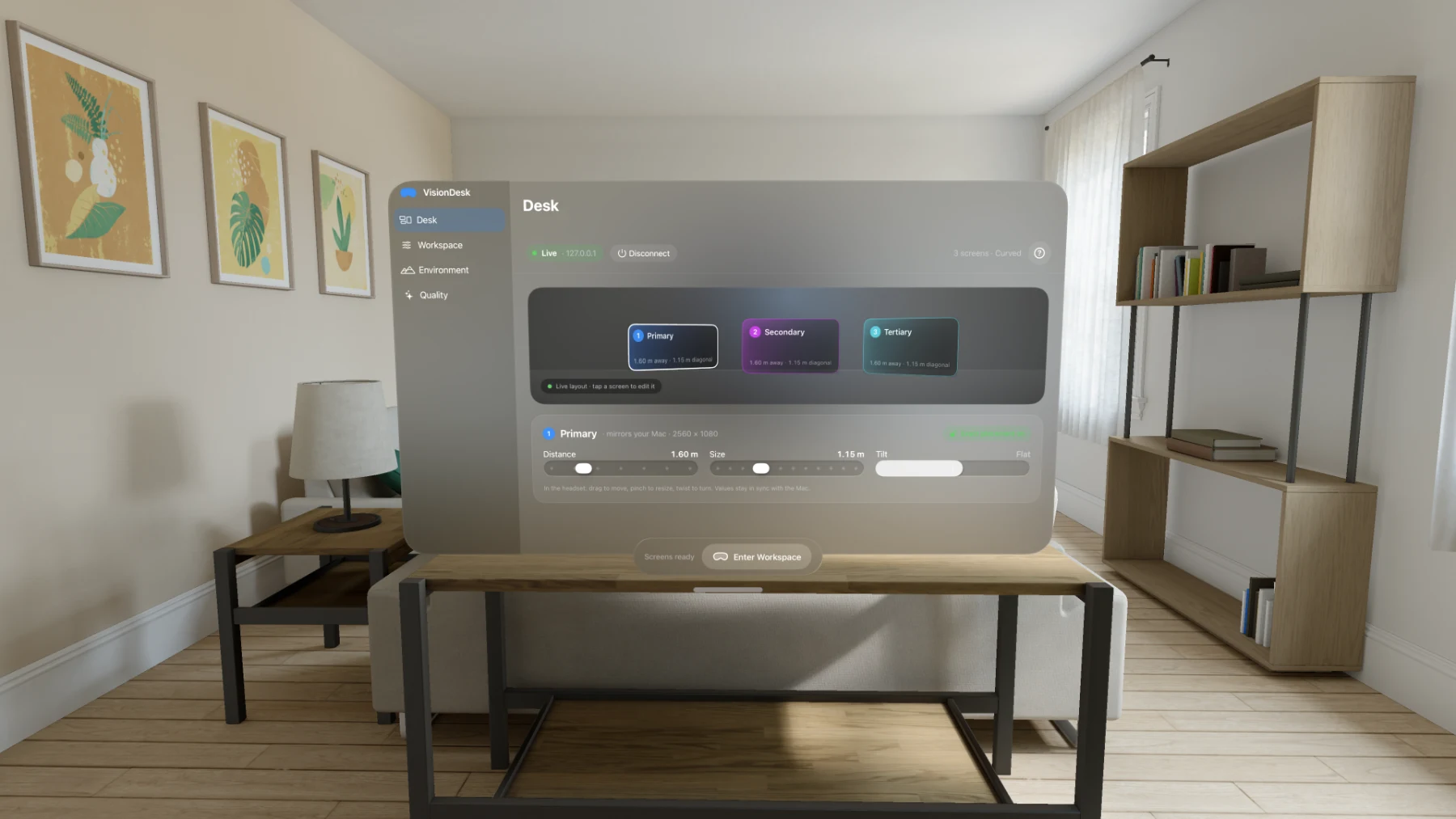
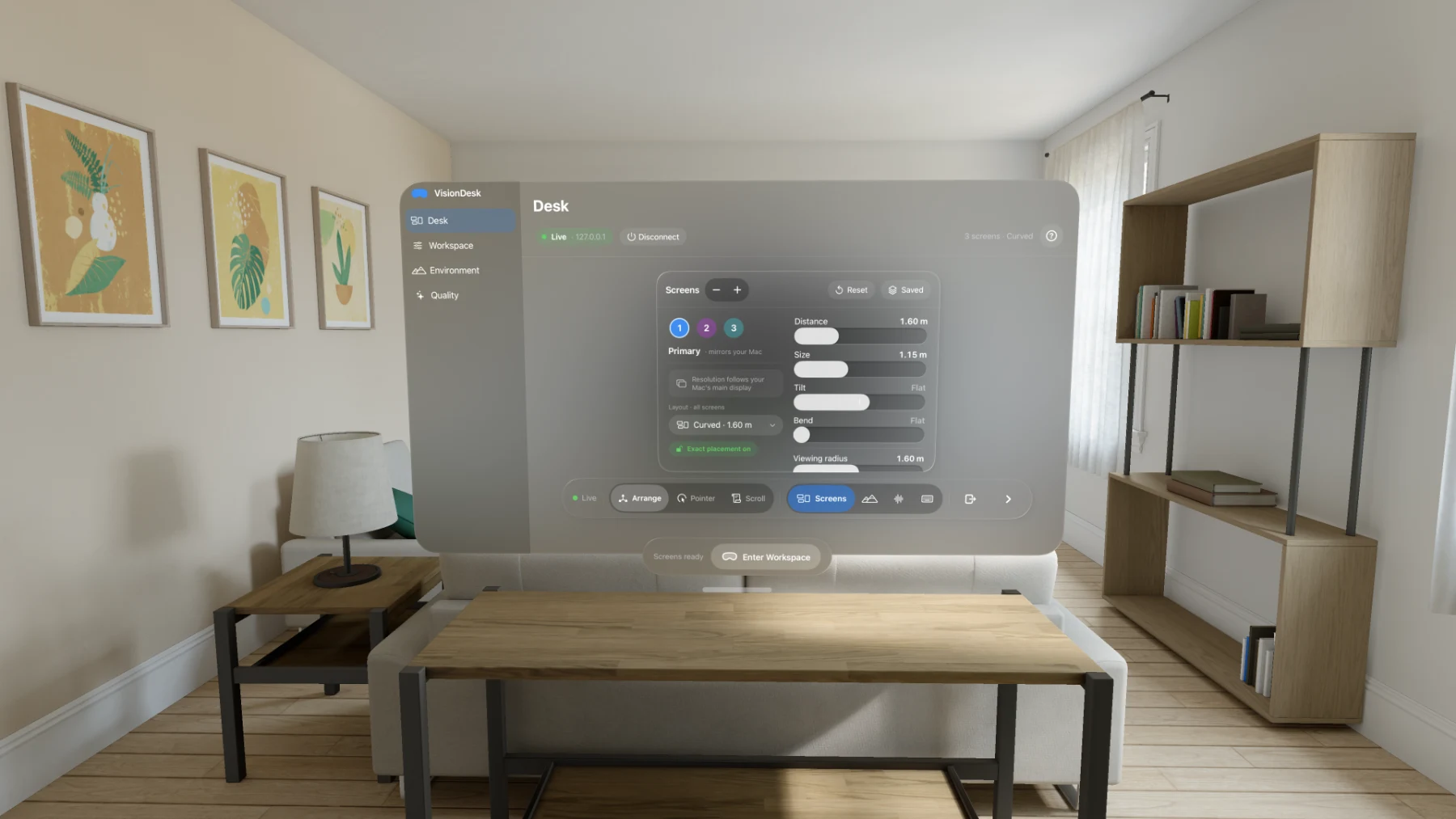
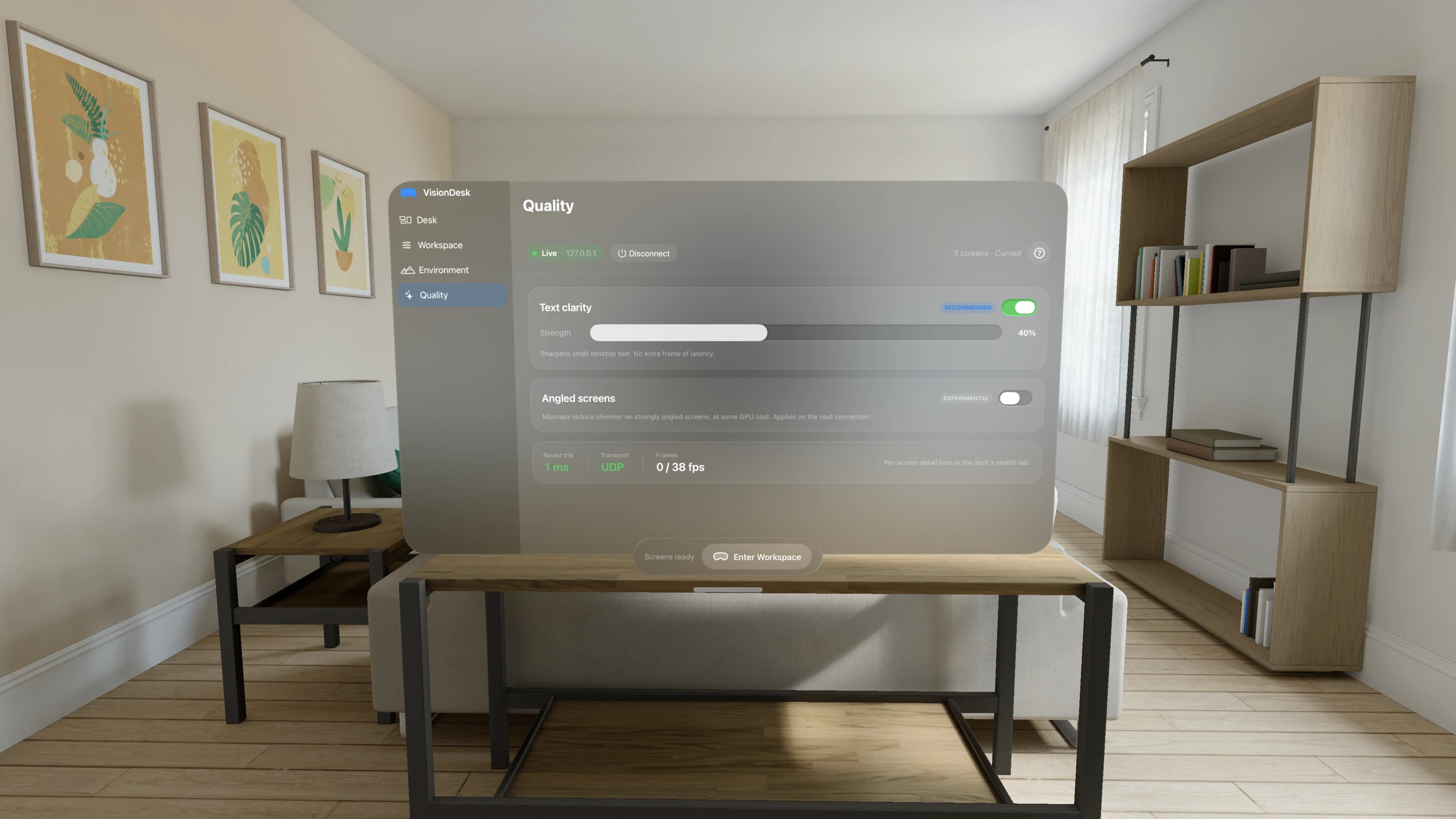
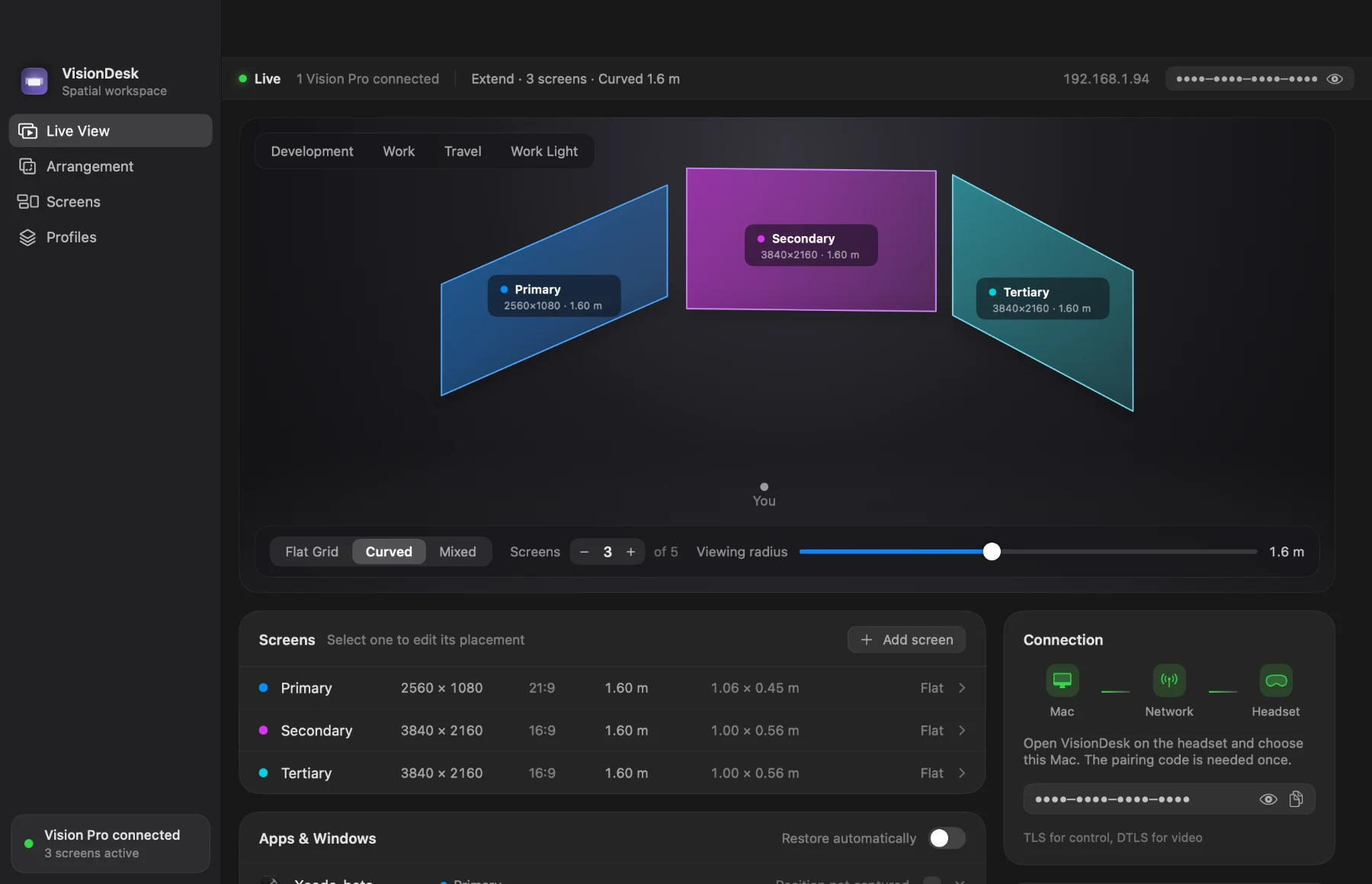
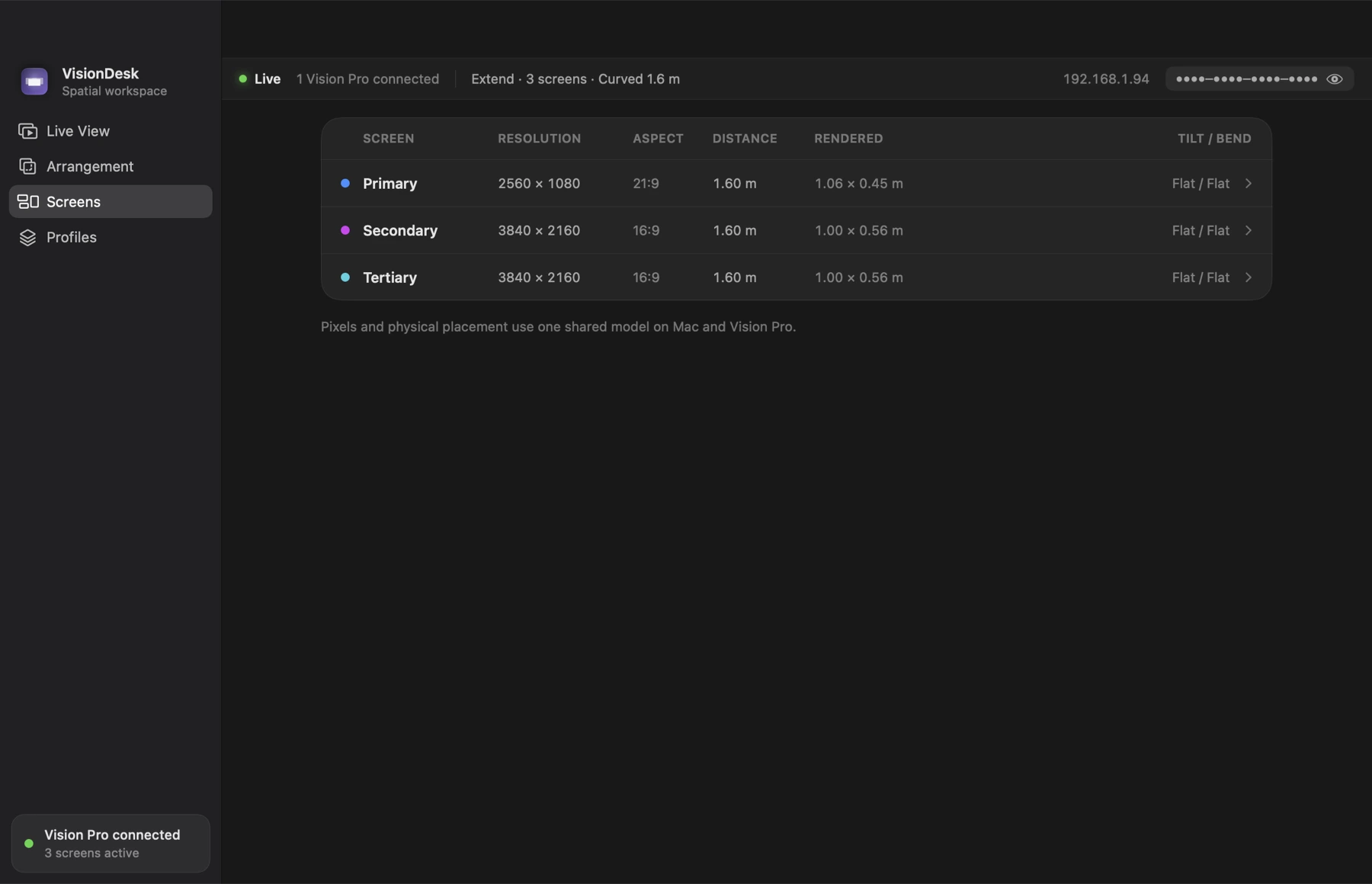
Every image below is the shipping 1.0 product, and each one says how it was made. Please keep that label with the image — none of these are mockups, but they are not all the same kind of capture. The cinematic imagery on the home page is separate and is labelled there as AI-enhanced presentation; do not use it to illustrate an in-app feature. The press kit ZIP bundles these at full resolution, the 1024 px app icon, a 14-second demo assembled from the same captures, and the fact sheet. Link to the App Store page when you share them.
Photographed through Apple Vision Pro
Taken on a physical Apple Vision Pro while VisionDesk was streaming a MacBook Pro — real displays, real curvature, real environment, no compositing.
App captures
Screenshots of the running app. The headset shots come from the visionOS Simulator, driven by the app’s own launch hooks so the same command reproduces the same frame; the Mac Host shots are rendered by the app’s own window-snapshot path. Nothing is retouched, framed in a device mockup, or hand-composed — but they are simulator and desktop captures, not photographs of hardware.

 Apple Vision Pro
 1–5 displays
 Private local streaming